
Download Yabause – Sega Saturn emulator, retro gaming, classic games, PC gaming, emulator, nostalgia, gaming library, Sega games, Saturn games, retro console
Overview
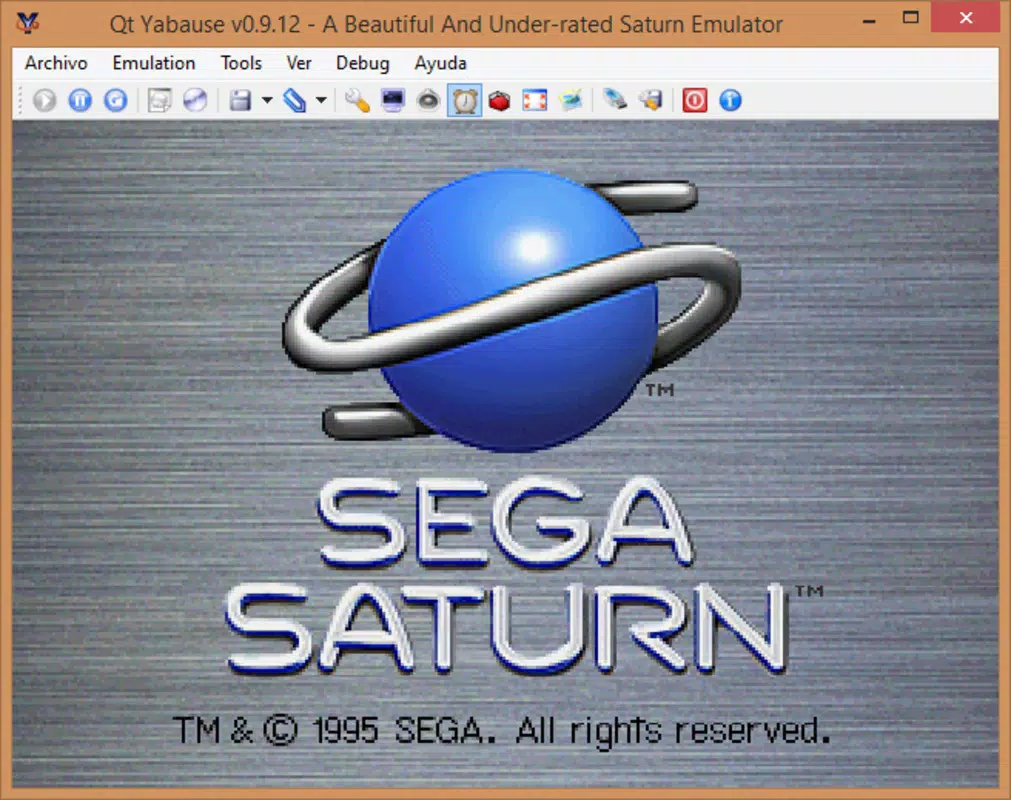
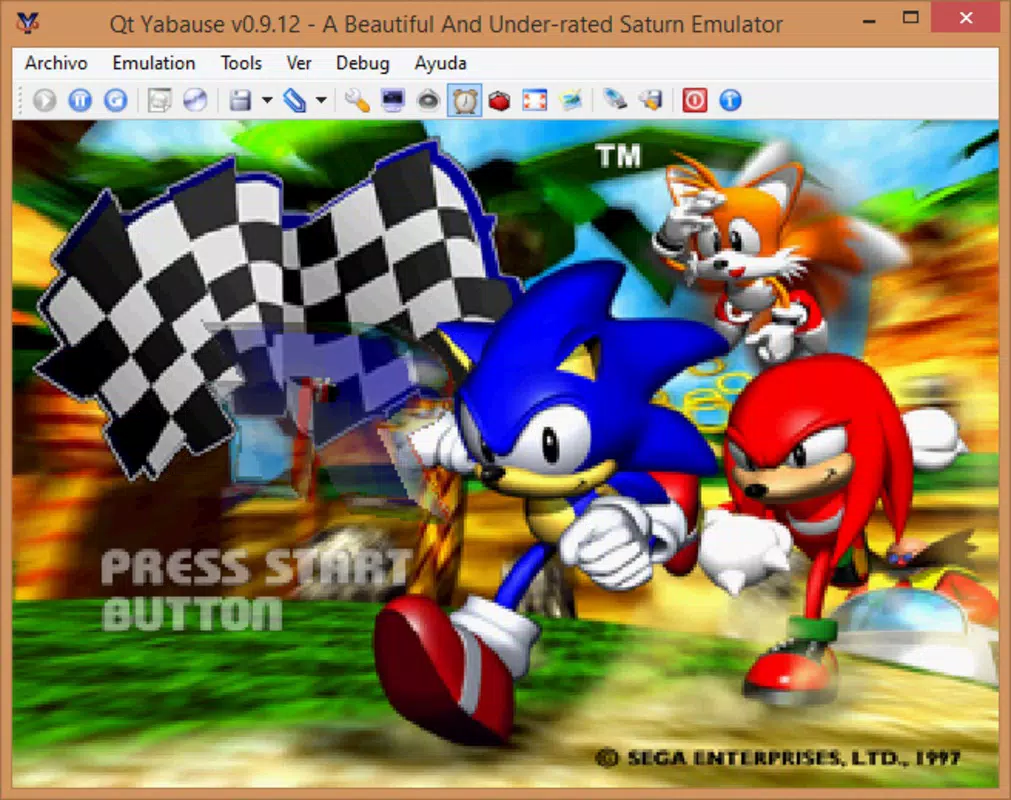
Yabause is a dedicated Sega Saturn emulator designed for PC platforms, offering users a reliable way to experience classic gaming titles from one of the most underappreciated consoles in video game history. The app enables players to relive the legacy of the Sega Saturn, a system known for its innovative hardware and groundbreaking games, many of which remain cherished by retro gaming enthusiasts. By accurately replicating the original console’s behavior, Yabause helps preserve a vital part of gaming culture that might otherwise be lost to time. The emulator is particularly valuable for users interested in exploring titles like Dracula X, Panzer Dragoon Saga, and other genre-defining works that were overshadowed during the console’s commercial lifespan.
Yabause serves both nostalgic players who grew up with the Sega Saturn and newer audiences curious about this era of gaming. It provides a bridge between past and present, allowing users to access a rich library of games without requiring original hardware. The developer, the Yabause Team, has maintained the project with a focus on accuracy and accessibility, ensuring compatibility with a wide range of games. While specific developer background details were not provided, the team’s commitment to open-source development and long-term support is evident in the emulator’s stability and feature set.
Real-world use cases include retro gaming sessions, preservation of digital game archives, and educational exploration of 1990s console design. In the broader app ecosystem, Yabause fills a niche for niche console emulation, supporting the growing interest in retro gaming and digital preservation. Its continued relevance underscores the importance of community-driven projects in sustaining gaming history.
Key Features & Functionality
- BIOS Emulation: Yabause accurately emulates the original Sega Saturn BIOS, ensuring that games run as they were intended on the hardware. This feature is essential for compatibility with region-specific titles and for maintaining the intended user experience.
- Screenshot Capture: Users can capture high-quality screenshots during gameplay, preserving memorable moments or creating content for sharing across retro gaming communities.
- PAL Video Support: The emulator supports the PAL video standard, making it accessible to users in regions where this format was standard, such as Europe and Australia, ensuring consistent visual output without compatibility issues.
- User-Friendly Interface: Yabause features a clean, intuitive interface that simplifies navigation and configuration, even for users with limited experience in emulation software.
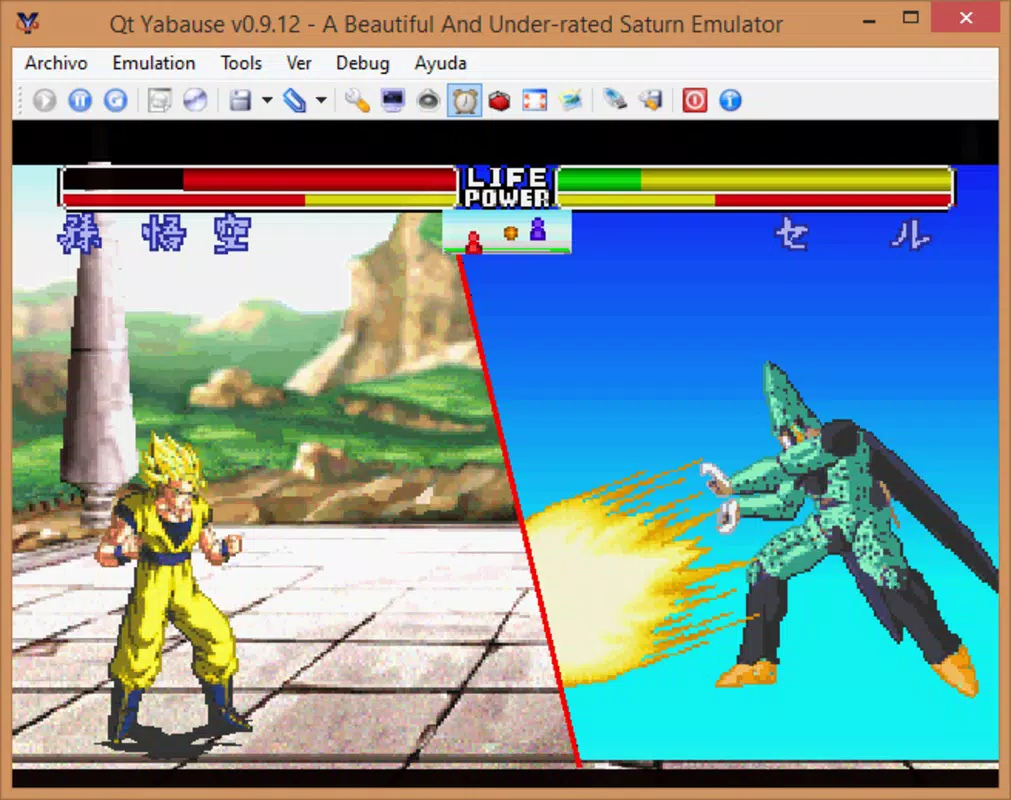
- Extensive Game Library Access: The emulator allows users to load and play a broad selection of Sega Saturn titles, reviving interest in a console with a strong but often overlooked library of games.
For example, a user in the UK can install Yabause, load a PAL-region Saturn game, and enjoy it without video output issues. Another user might use the screenshot feature to document a rare boss fight in Panzer Dragoon Saga for a blog post. These features collectively enhance the authenticity and usability of the emulation experience.
Interface, UX & Performance
Yabause presents a straightforward interface designed with usability in mind. The layout is minimalistic, with clearly labeled menus and organized settings that allow users to adjust audio, video, and input configurations without confusion. Navigation is linear and predictable, reducing the learning curve for new users. The emulator’s visual style prioritizes functionality over flashy design, which aligns with its purpose as a technical tool rather than a consumer-facing app.
Responsiveness is generally consistent across different PC configurations. Although the developer did not list formal performance metrics, users report stable gameplay with minimal lag when running games on modern hardware. The emulator handles input devices such as keyboards and gamepads with low latency, contributing to a smooth gaming experience. Stability is maintained through regular updates and community testing, though some older or more demanding titles may require tweaking of settings for optimal performance.
While performance on low-end systems may vary, the emulator is optimized to run efficiently on a wide range of devices. The lack of intrusive ads or in-app purchases enhances the user experience, allowing uninterrupted gameplay. Overall, Yabause delivers a reliable and focused interface that prioritizes function over form, making it well-suited for its target audience of retro gaming enthusiasts.
Platform Compatibility & Technical Requirements
Yabause is available for multiple PC operating systems, including Windows, macOS, and Linux, making it accessible to a broad user base. The current version is 0.9.25, with a file size of 32.1 MB, indicating a lightweight installation that does not burden system resources. This compact footprint is ideal for users with limited storage or older machines.
Specific requirements for the minimum OS version were not listed. However, given the emulator’s age and design, it is likely compatible with recent versions of Windows 7 and later, macOS 10.10 and later, and modern Linux distributions. The developer did not specify exact hardware requirements, but typical use cases suggest that standard desktop or laptop systems should run the emulator without issues.
Compatibility information was not fully disclosed, so users are advised to consult the official repository or documentation for the most accurate system requirements. The multi-platform availability ensures that users across different ecosystems can participate in the retro gaming revival.
Pros and Cons
Pros
- Free to download and use, with no in-app purchases or ads
- Supports multiple operating systems: Windows, macOS, and Linux
- Accurate BIOS emulation for better game compatibility
- Includes PAL video system support, expanding regional accessibility
- Lightweight file size (32.1 MB) for fast installation and low storage use
- Intuitive interface suitable for both beginners and experienced users
Cons
- Specific technical requirements were not listed
- No official mobile or console versions available
- Requires users to provide their own game ROMs, which may raise legal concerns
- Limited official documentation or user support channels
- Performance may vary on older or low-spec hardware
FAQ
Is Yabause safe to download and install?
Yes, Yabause is a legitimate open-source emulator. It is available through official repositories and trusted development platforms. However, users should only download from verified sources to avoid tampered versions.
Can I use Yabause on mobile devices?
No, Yabause is currently only available for PC platforms. There are no official versions for Android or iOS devices.
Do I need a Sega Saturn BIOS file to use Yabause?
Yes, the emulator requires a BIOS file to function properly. Users must obtain this file legally, typically from their own console or through official sources.
Is Yabause regularly updated?
Yes, the Yabause Team continues to maintain the project with regular updates to improve compatibility, fix bugs, and enhance features.
Can I play all Sega Saturn games with Yabause?
While Yabause supports a wide range of games, not all titles are fully compatible. Performance and stability may vary depending on the game and system specifications.
Final Thoughts
Yabause stands out as a powerful and accessible tool for anyone interested in exploring the legacy of the Sega Saturn. Its accurate emulation, multi-platform support, and thoughtful features make it a top choice for retro gaming enthusiasts and digital preservationists alike. Whether you're revisiting childhood favorites or discovering classic titles for the first time, Yabause delivers a faithful and enjoyable experience.
Its lightweight design, free access, and strong community backing further enhance its value. While it requires some technical setup—particularly regarding BIOS files and ROMs—it remains one of the most reliable options for Sega Saturn emulation on PC. For those passionate about retro gaming, preserving gaming history, or simply enjoying timeless titles, Yabause is an essential addition to any digital library.
Download Yabause now


